
Tips for Creating a Productive Home Office Environment
Creating a productive home office environment is essential for anyone who works remotely or spends a significant amount of time on tasks at home. A well-designed workspace can help improve focus, reduce stress, and increase overall efficiency. Whether you have a dedicated room or just a corner of your living space, these tips will help you set up an office that supports your best work.
Choose the Right Location
Finding the perfect spot for your home office is the first step. Ideally, it should be a quiet area with minimal distractions.
– Private Space: Select a place where you can close the door or avoid frequent interruptions.
– Natural Light: Set up close to a window if possible. Natural light boosts mood and energy.
– Away from Noise: Avoid high-traffic areas like the kitchen or living room to reduce distractions.
Invest in Ergonomic Furniture
Comfort plays a critical role in how productive you feel throughout the day.
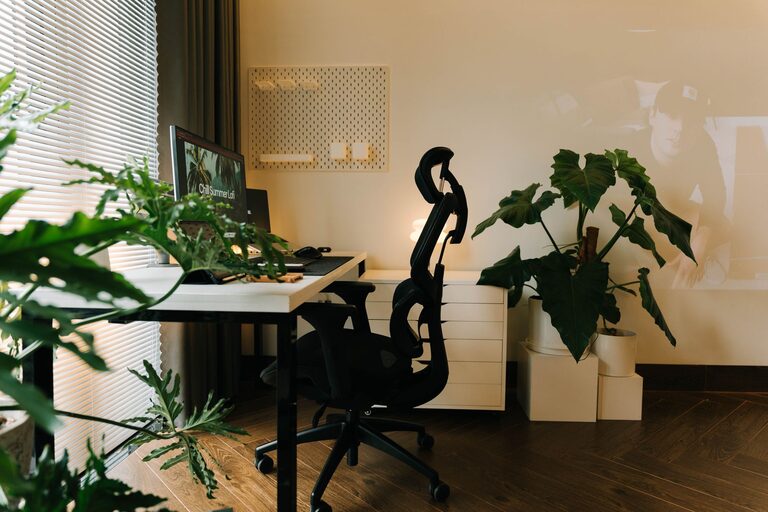
– Ergonomic Chair: Choose a chair that supports your lower back and encourages good posture.
– Adjustable Desk: Consider a desk that allows you to switch between sitting and standing to reduce fatigue.
– Monitor Placement: Position your computer screen at eye level to avoid neck strain.
Organize Your Workspace
An organized space helps keep your mind clear and focused.
– Declutter Regularly: Keep only essential items on your desk.
– Storage Solutions: Use shelves, drawers, or filing cabinets to store documents and supplies.
– Cable Management: Use clips or covers to keep cords tidy and out of the way.
Use Effective Lighting
Proper lighting reduces eye strain and keeps you alert.
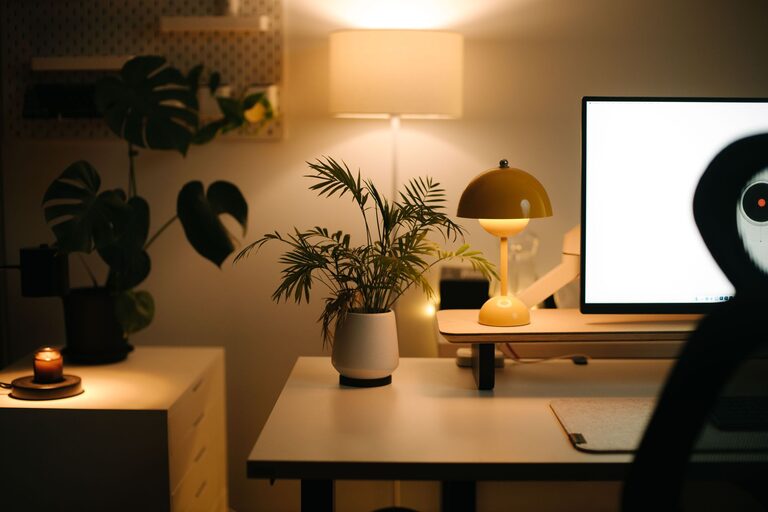
– Combination Lighting: Use overhead lights combined with desk lamps to brighten your workspace evenly.
– Adjustable Lamps: A lamp with adjustable brightness and direction helps tailor light for different tasks.
– Avoid Glare: Position screens and lighting to minimize reflections on your monitor.
Minimize Distractions
Creating boundaries between work and personal life is important when working from home.
– Set Work Hours: Stick to a schedule to signal when you’re working and when you’re off.
– Limit Noise: Use noise-canceling headphones or white noise machines if needed.
– Notifications Management: Turn off non-essential notifications on your devices during work time.
Personalize Your Space
Adding personal touches makes the office inviting and increases motivation.
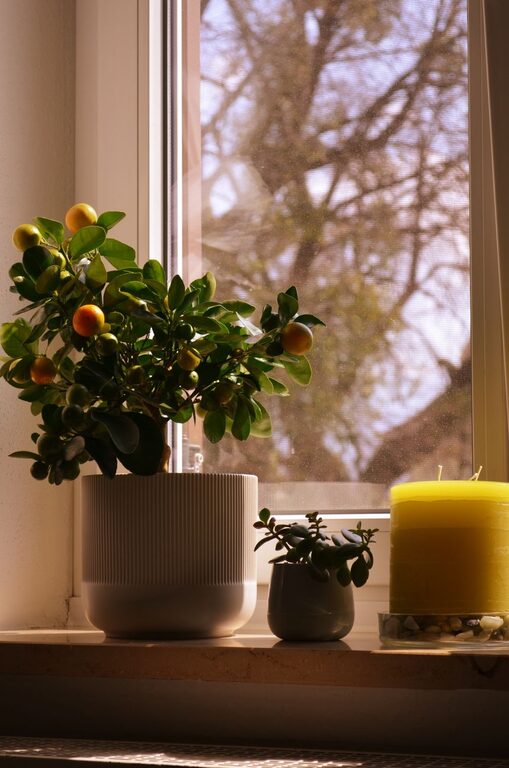
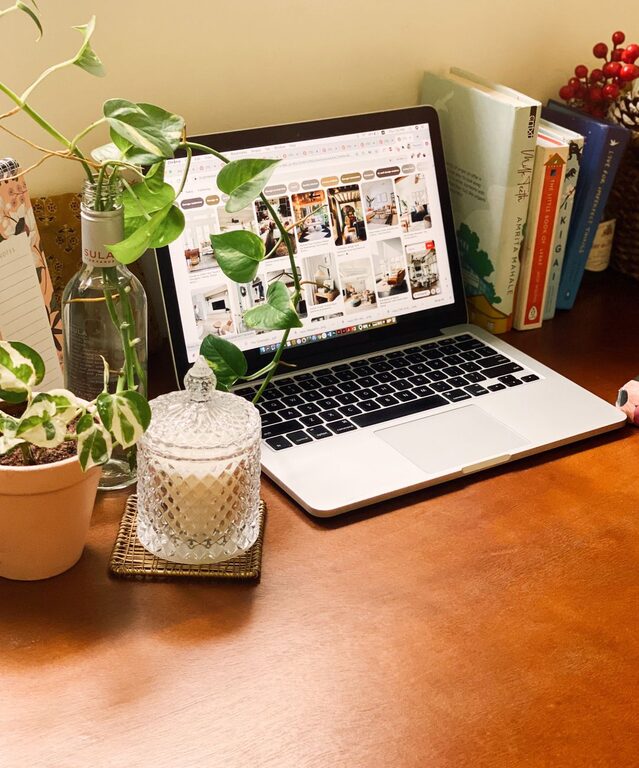
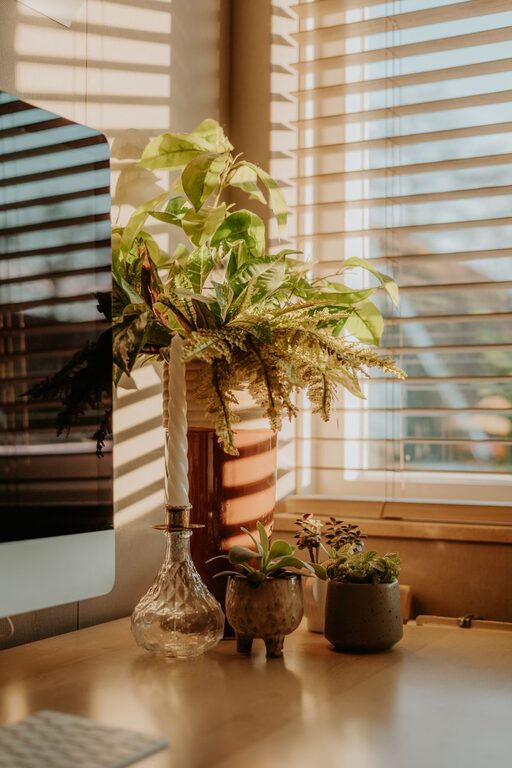
– Plants: Indoor plants improve air quality and create a calming atmosphere.
– Artwork: Simple artwork or inspiring quotes can boost creativity.
– Colors: Use colors that stimulate productivity, like blues and greens, but keep it soothing.
Utilize Technology Wisely
Technology should streamline your work, not complicate it.
– Reliable Internet: Ensure your internet connection is fast and stable.
– Quality Equipment: Use a good keyboard, mouse, and headset to improve comfort.
– Organization Tools: Apps for task management, calendars, and note-taking help keep you on track.
Take Regular Breaks
Working long hours without breaks can reduce productivity and cause burnout.
– Follow the 50/10 Rule: Work for 50 minutes, then take a 10-minute break to stretch or refresh.
– Move Around: Stand up, walk, or do light exercises to improve circulation.
– Hydrate and Snack: Keep water and healthy snacks nearby to maintain energy.
Maintain Cleanliness
A clean workspace creates a positive environment and reduces stress.
– Daily Tidying: Spend a few minutes at the end of each day to put things away.
– Deep Cleaning: Regularly dust and clean your office to keep it fresh.
Final Thoughts
Creating a productive home office environment is about more than just where you work—it’s about how your space supports your mental and physical wellbeing. By choosing the right location, investing in ergonomic furniture, organizing your workspace, and minimizing distractions, you can build an environment that helps you do your best work every day. Keep personalizing your space and adjusting as needed to maintain productivity and enjoy your remote work experience.