
Tips for Creating a Productive Home Office Environment
Creating a productive home office environment is essential for anyone working remotely or managing tasks from home. A well-designed space can improve focus, reduce distractions, and make your workday more enjoyable. Whether you have a dedicated room or just a small corner, there are many ways to optimize your home office for better productivity.
Choose the Right Location
The first step to creating a productive workspace is selecting the right spot in your home.
– Quiet area: Pick a space away from noise and foot traffic to minimize interruptions.
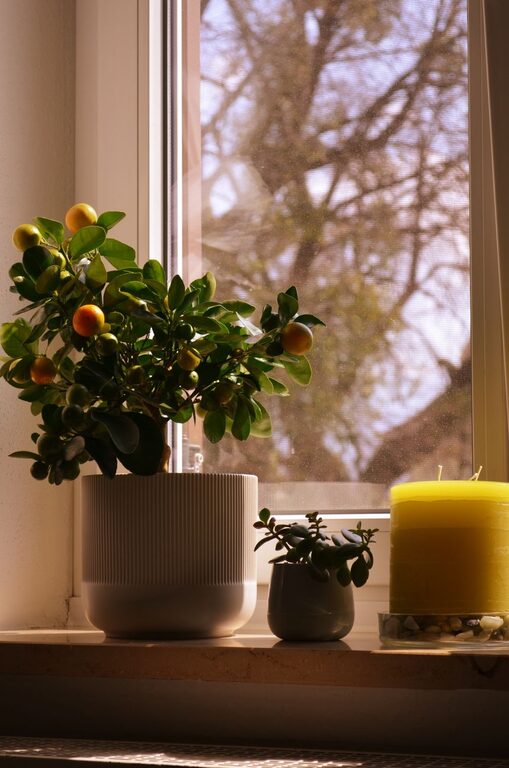
– Natural light: Set up near a window if possible. Natural light improves mood and energy.
– Privacy: Consider a door or partition to separate your workspace from household activities.
Invest in Comfortable Furniture
Comfort plays a big role in how long and how well you can work at home.
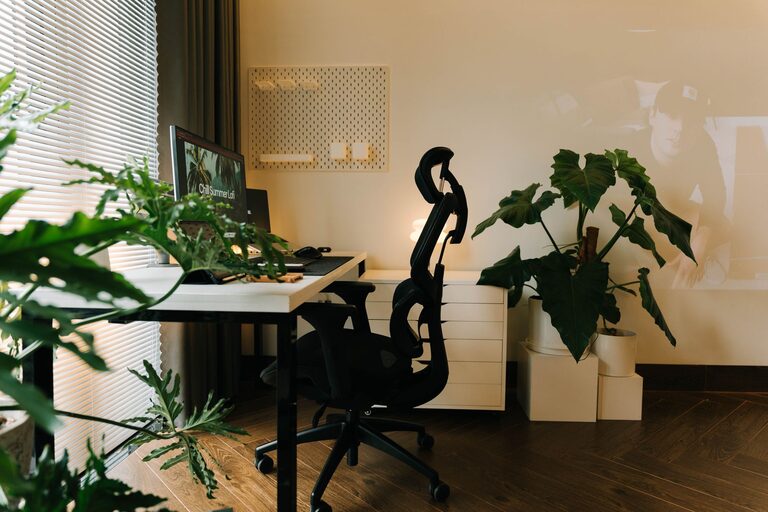
– Ergonomic chair: Choose a chair with adjustable height and good back support.
– Desk: Select a desk that fits your equipment and allows comfortable posture.
– Standing options: Consider a sit-stand desk or a standing mat to reduce sitting time.
Organize Your Workspace Efficiently
An organized space helps maintain focus and reduces stress.
– Declutter: Keep only essential items on your desk.
– Storage solutions: Use shelves, drawers, and organizers to keep supplies tidy.
– Cable management: Use clips or trays to organize wires and avoid tangling.
Optimize Lighting
Proper lighting reduces eye strain and helps maintain alertness.
– Avoid glare: Position your screen to prevent reflections from windows or lamps.
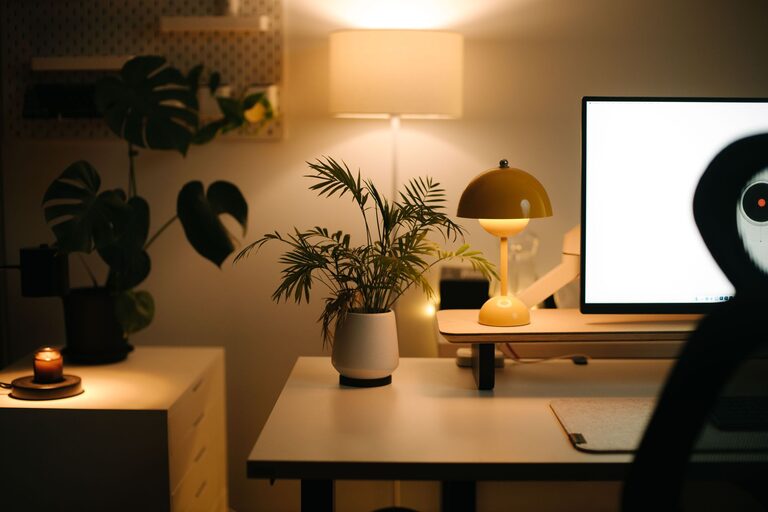
– Task lighting: Use a desk lamp to brighten your work area.
– Balanced lighting: Combine natural and artificial light for consistent brightness.
Set Up Technology Thoughtfully
Technology is central to remote work, so your setup should support your needs.
– Reliable internet: Ensure you have a strong Wi-Fi signal or use a wired connection.
– Dual monitors: Consider two screens for increased productivity.
– Accessories: Use ergonomic keyboards, mice, or noise-canceling headphones if needed.
Create a Routine and Boundaries
A structured routine helps separate work from personal life.
– Work hours: Set clear start and end times for your workday.
– Breaks: Take regular breaks to stretch and rest your eyes.
– Communicate: Let others in your household know your schedule to minimize disruptions.
Add Personal Touches
Personalizing your workspace can boost motivation and make it welcoming.
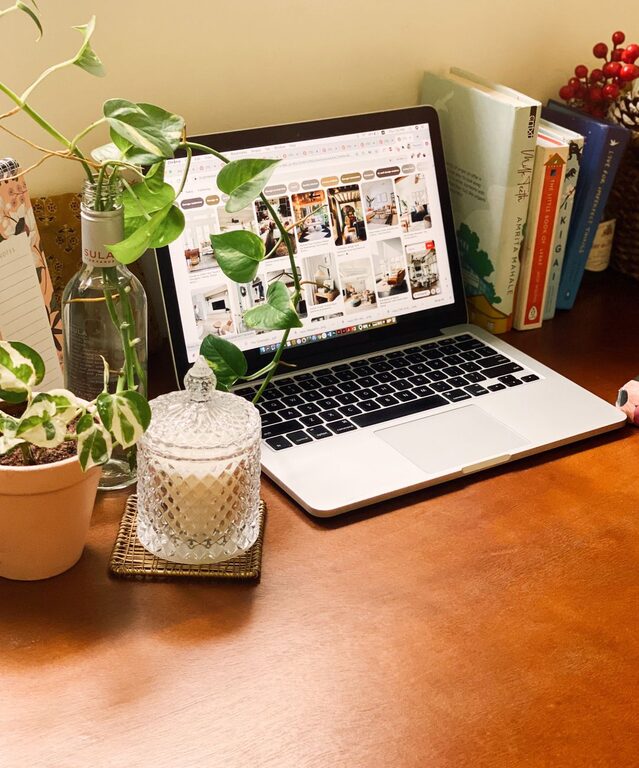
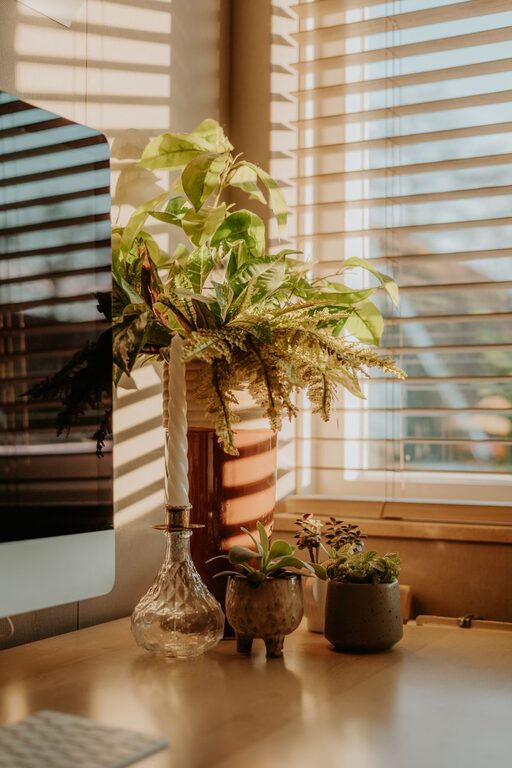
– Plants: Introduce greenery to improve air quality and reduce stress.
– Artwork: Hang inspiring images or posters.
– Comfort items: Include cushions or a cozy throw to enhance comfort.
Maintain Good Air Quality
Air quality affects concentration and overall health.
– Ventilation: Open windows regularly or use an air purifier.
– Clean regularly: Dust and vacuum to keep allergens away.
Minimize Distractions
Keeping distractions in check is essential for staying productive.
– Mute notifications: Turn off non-essential phone and computer alerts.
– Separate work and leisure: Use your workspace only for work-related tasks.
– Noise control: Use white noise machines or background music to drown out distractions.
Regularly Review and Adjust
Your needs might change, so revisit your setup often.
– Ergonomics: Check your posture and adjust furniture if needed.
– Organization: Reassess storage and decluttering to maintain efficiency.
– Technology: Update devices and software for optimal performance.
—
By thoughtfully designing your home office, you can create an environment that encourages focus and productivity while supporting your health and comfort. Small changes often lead to significant improvements in your workday experience.